Quick Answer
The best productivity apps in 2026 span five categories: task and project management (Notion, Todoist, TickTick), deep focus and time management (Forest, Reclaim.ai, Sunsama), note-taking and knowledge management (Obsidian, Notion, Apple Notes), calendar and scheduling (Reclaim.ai, Fantastical), and AI-powered productivity (ChatGPT, Claude, Copilot). The right combination depends on your specific work style, but every high-performer in 2026 uses some version of these tools.
Key Takeaways
- Quick Answer
- Key Takeaways
- How We Evaluated These Apps
- Task and Project Management Apps
- 1. Notion: The All-in-One Workspace
- 2. Todoist: The Best Pure Task Manager
- 3. TickTick: The All-Rounder with Built-In Pomodoro
- Deep Focus and Time Management Apps
- 4. Reclaim.ai: AI-Powered Schedule Optimization
- 5. Forest: Stay Focused and Grow a Forest
- 6. Sunsama: The Daily Planning Ritual App
- Note-Taking and Knowledge Management Apps
- 7. Obsidian: The Personal Knowledge Base
- 8. Apple Notes: The Most Underrated Free Option
- 9. Readwise Reader: The Best Read-Later App
- Calendar and Scheduling Apps
- 10. Fantastical: The Best Calendar App
- 11. Calendly: The Meeting Scheduling Standard
- AI-Powered Productivity Apps
- 12. ChatGPT: The Universal Productivity Multiplier
- 13. Claude by Anthropic: The Best for Long Documents
- 14. Notion AI: The Context-Aware Workspace Assistant
- 15. Grammarly: The Writing Enhancement Standard
- The Best Productivity App Stack for Different Professionals
- Frequently Asked Questions About Productivity Apps in 2026
- A 2025 study by Asana found that knowledge workers spend an average of 58 percent of their workday on "work about work," including meetings, checking email, and searching for information, rather than on skilled work. Productivity apps directly attack this problem.
- Notion surpassed 30 million users in 2025, making it the fastest-growing productivity platform in history by user count.
- The AI productivity tool category grew by 340 percent in business adoption between 2023 and 2025, according to McKinsey Global Institute, driven by ChatGPT integration into workflows, Microsoft Copilot deployment, and AI-native apps.
- Apps that combine task management with calendar blocking (Reclaim.ai, Sunsama, Motion) have shown significantly better task completion rates than apps that keep tasks and calendar separate, according to user outcome data from Reclaim.
- The average knowledge worker uses 4 to 6 productivity apps simultaneously, creating its own coordination overhead. The most effective approach in 2026 is choosing one primary system and supplementing with specialized tools rather than using five different task managers.
How We Evaluated These Apps
Each app was evaluated across five criteria: feature depth relative to use case, user experience and learning curve, cross-platform availability (iOS, Android, web, desktop), pricing transparency, and real user ratings from independent review platforms including G2, Capterra, and the App Store, verified against 2025 to 2026 user reviews.
Task and Project Management Apps
1. Notion: The All-in-One Workspace
Notion is the most versatile productivity platform available in 2026, functioning simultaneously as a note-taking app, database, project manager, wiki, habit tracker, and content calendar. Its block-based editing system allows any combination of text, tables, kanban boards, calendars, galleries, and linked databases within a single document.
Notion's 2024 introduction of Notion AI transformed it from a static knowledge base into an active thinking partner. Notion AI can summarize meeting notes, draft project plans from bullet points, fill database fields automatically, and answer questions about the content in your Notion workspace.
The platform's flexibility is its greatest strength and its greatest weakness. New users often feel overwhelmed by the blank-canvas interface and spend more time building their system than using it. Notion's extensive template gallery and the active community of template creators on Notion Market partially address this, providing starting points for common use cases.
Pricing: Free tier available with generous limits. Plus plan at $10 per month (billed annually). Team plan at $15 per user per month. AI features require Notion AI add-on at $10 per member per month.
Best for: knowledge workers who want a single system for notes, projects, and databases. Content creators, researchers, students, and teams managing documentation and projects.
Rating: 4.7 out of 5 based on 5,000+ G2 reviews.
2. Todoist: The Best Pure Task Manager
While Notion does everything adequately, Todoist does tasks exceptionally well. Its natural language input (typing "submit report every Friday at 3pm" creates a recurring task with the correct due date, recurrence, and time) is the smoothest in any task manager. Its Karma system gamifies task completion with points and streaks that many users find genuinely motivating.
Todoist's 2025 AI assistant, powered by OpenAI's API, allows task decomposition (breaking a complex project into subtasks automatically), priority suggestions based on due dates and workload, and daily planning assistance.
The Todoist Collaboration features, including shared projects, task comments, and team members, make it functional for small teams without the overhead of enterprise project management tools.
Pricing: Free tier with up to 5 active projects. Pro plan at $4 per month billed annually, which covers most individual power users.
Best for: individuals who want the world's cleanest and most natural task management experience without the complexity of a full workspace platform.
Rating: 4.4 out of 5 based on 700+ G2 reviews.
3. TickTick: The All-Rounder with Built-In Pomodoro
TickTick combines task management, habit tracking, a built-in Pomodoro timer, a calendar view, and a focus statistics dashboard in a single app. This integration means you can manage your tasks, track habits, focus with timed work sessions, and review your productivity patterns without switching between multiple apps.
The TickTick calendar integration, which shows your tasks and calendar events in a unified view, is particularly useful for time-blocking. Dragging tasks onto time slots in the calendar converts them from floating tasks to time-specific commitments, a behavior change that research shows significantly improves task completion rates.
TickTick's Matrix view organizes tasks by urgency and importance into four quadrants (Eisenhower Matrix format), supporting prioritization for users who need to distinguish between important-urgent, important-not-urgent, not-important-urgent, and not-important-not-urgent tasks.
Pricing: Free tier covers basic use. Premium at $27.99 per year unlocks calendar integration, habit tracking, and focus statistics.
Best for: individuals who want a complete productivity system in a single app, particularly those who use the Pomodoro Technique for focus management.
Rating: 4.5 out of 5 based on 400+ G2 reviews.
Deep Focus and Time Management Apps
4. Reclaim.ai: AI-Powered Schedule Optimization
Reclaim.ai is among the most innovative productivity tools of 2026. It connects to your Google Calendar or Microsoft Outlook calendar and uses AI to automatically schedule tasks, habits, and focus time around your existing meetings and commitments, defending blocks of productive time from meeting creep.
You tell Reclaim what tasks you need to complete (with estimated durations and deadlines) and what habits you want to maintain (a 30-minute exercise block, a daily planning session, lunch away from your desk). Reclaim's algorithm schedules these automatically in available calendar slots, rescheduling them intelligently when new meetings are added.
Research by Reclaim published in 2025 found that users who implemented AI-scheduled focus time completed 46 percent more tasks per week than users who managed schedules manually, with a 35 percent reduction in reported scheduling stress.
Pricing: Free tier with limited task scheduling. Starter at $8 per user per month. Business plans from $12 per user per month.
Best for: knowledge workers with meeting-heavy schedules who struggle to protect time for focused work, anyone who finds manual time-blocking too effortful to maintain consistently.
Rating: 4.6 out of 5 based on 300+ G2 reviews.
5. Forest: Stay Focused and Grow a Forest
Forest is the most popular focus app globally by download count, with over 10 million downloads. Its premise is elegantly simple: set a focus timer, and a virtual tree grows while you stay off your phone. If you leave the Forest app to use your phone, the tree dies.
The gamification of staying off your phone is effective precisely because it creates a visual, emotionally engaging cost for distraction. The social feature, seeing the forests grown by friends on a shared timeline, adds social accountability. The real-world impact feature, where accumulated virtual currency can fund actual tree planting through Forest's partnership with Trees for the Future, adds meaningful purpose to the digital habit.
Forest is specifically designed for the smartphone distraction problem, which makes it more targeted and more effective for that specific challenge than general purpose focus apps.
Pricing: $1.99 one-time purchase on iOS and Android. Free on the Chrome browser extension.
Best for: students and professionals who struggle specifically with smartphone distraction during work or study sessions.
Rating: 4.8 out of 5 average on App Store and Google Play across tens of thousands of reviews.
6. Sunsama: The Daily Planning Ritual App
Sunsama is designed around a daily planning ritual: each morning, it guides you through reviewing your tasks, calendar events, and emails to create a realistic daily plan with estimated time for each item. In the evening, it guides a brief review of what was completed.
This structured planning and review practice, built directly into the app as a guided workflow, addresses the research finding that people who plan their day explicitly complete significantly more tasks and report higher work satisfaction than those who work reactively. Sunsama forces the planning session through gentle daily prompts rather than relying on the user to initiate it voluntarily.
Sunsama integrates with Asana, Todoist, Jira, Linear, GitHub, Trello, and most major calendar platforms, pulling tasks from these tools into a single daily workspace without requiring you to maintain yet another task system.
Pricing: $20 per month or $16 per month billed annually. No free tier, only a free trial.
Best for: professionals who want to develop a deliberate daily planning and review habit with app-guided accountability. Particularly useful for managers and project-based workers.
Rating: 4.6 out of 5 based on 200+ G2 reviews.
Note-Taking and Knowledge Management Apps
7. Obsidian: The Personal Knowledge Base
Obsidian has become the preferred knowledge management tool for researchers, writers, academics, and knowledge workers who want to build a long-term "second brain" of interconnected notes. Its core innovation is bidirectional linking: when you link one note to another, Obsidian automatically creates a back-link, building a web of connected ideas visible in a graph view showing every connection in your knowledge base.
Recommended Articles
 LIFESTYLE PRODUCTIVITY
 LIFESTYLE PRODUCTIVITY
 LIFESTYLE PRODUCTIVITY
Unlike cloud-based note apps, Obsidian stores notes as plain Markdown files on your local device. This means your notes are yours permanently, readable by any text editor, and not dependent on any company's continued existence or pricing decisions.
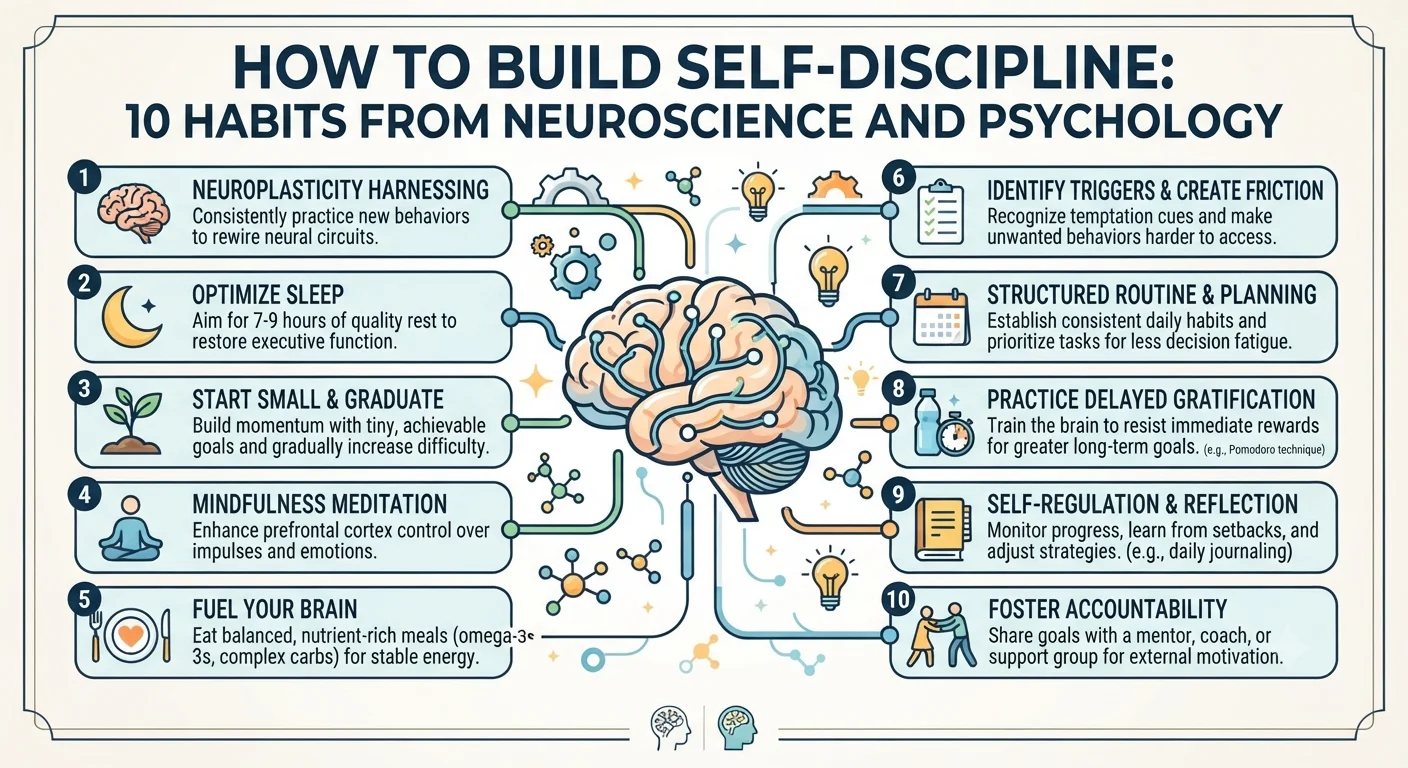
- How to Build Self-Discipline: 10 Habits from Neuroscience and Psychology
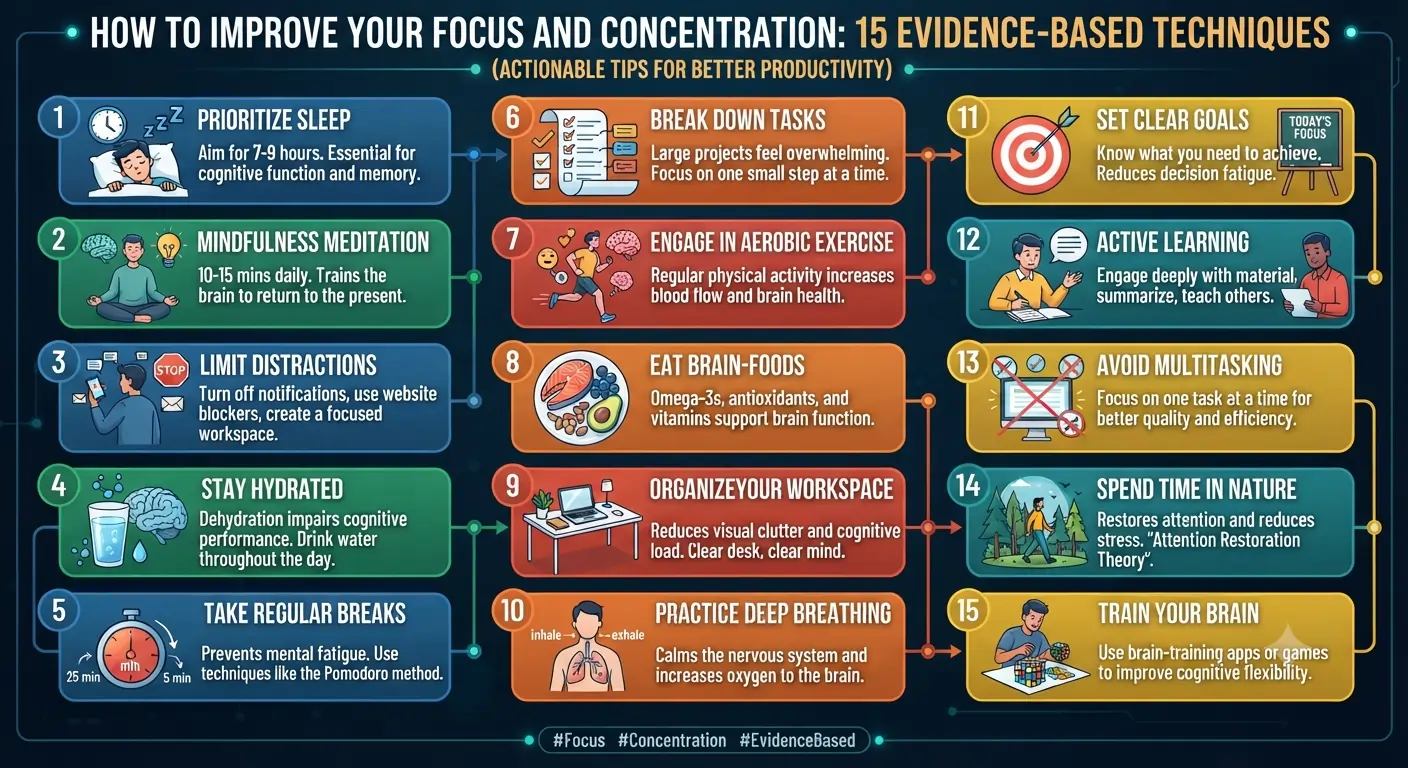
- How to Improve Your Focus and Concentration: 15 Evidence-Based Techniques
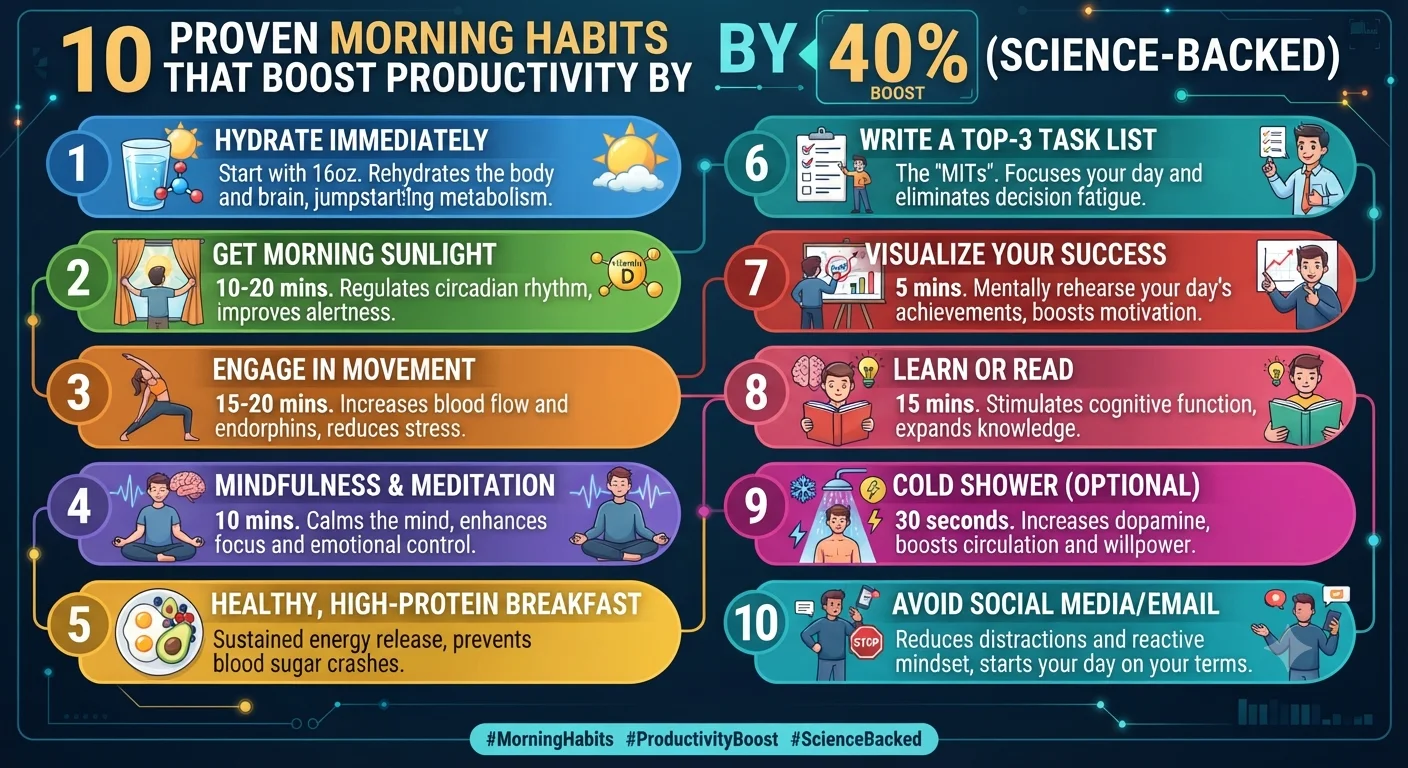
- 10 Proven Morning Habits That Boost Productivity by 40% (Science-Backed)
The Obsidian plugin ecosystem, built and maintained by the community, extends its functionality dramatically: the Anki sync plugin connects Obsidian notes to spaced repetition flashcards, the Dataview plugin queries your notes like a database, and the Templater plugin creates dynamic note templates. Over 1,000 community plugins are available as of 2026.
Pricing: Free for personal use on local storage. Sync (encrypted cloud sync across devices) at $10 per month or $96 per year. Publish (create a public website from your notes) at $16 per month.
Best for: researchers, academics, writers, and anyone building a long-term personal knowledge base. Those who prefer local file storage over cloud-based systems.
Rating: 4.8 out of 5 based on 700+ G2 reviews.
8. Apple Notes: The Most Underrated Free Option
Apple Notes is the most underrated productivity app available in 2026. Native on every Apple device, free, fast, and private (notes sync through iCloud with end-to-end encryption), it has evolved from a basic note app into a capable knowledge management system with tags, Smart Folders, nested folders, checklists, tables, image support, document scanning, and collaboration features.
For Apple ecosystem users who do not need the advanced linking and plugin features of Obsidian or the database features of Notion, Apple Notes is frequently the most frictionless and reliable note-taking system available. Its most important feature is speed: it opens instantly, syncs immediately, and never requires troubleshooting.
A growing number of productivity experts recommend Apple Notes for its simplicity, arguing that the overhead of managing a complex note-taking system often exceeds its benefits for most users.
Pricing: Completely free for Apple device users.
Best for: Apple device users who want fast, reliable, private, and free note-taking without system complexity.
9. Readwise Reader: The Best Read-Later App
Readwise Reader is the most advanced read-later application available in 2026. It combines a full reading environment for articles, newsletters, PDFs, and ebooks with a highlighting and annotation system that exports to Obsidian, Notion, Roam Research, and other knowledge management tools.
Its "Ghostreader" AI feature, powered by GPT-4, can generate summaries of saved articles, answer questions about their content, define terms in context, and translate content into other languages, all within the reading interface.
Readwise's core product separately provides spaced repetition review of highlights from books, articles, and notes, ensuring that insights from reading are retained through daily five-minute review sessions.
Pricing: Reader is available as part of the Readwise subscription at $7.99 per month (Reader-only) or $9.99 per month for the full Readwise plus Reader bundle.
Best for: voracious readers, researchers, and anyone who highlights content from articles and books and wants to actually remember and use what they read.
Calendar and Scheduling Apps
10. Fantastical: The Best Calendar App
Fantastical has been the preferred calendar app of power users on Apple platforms for years, and its 2026 feature set justifies its premium positioning. Natural language input ("Coffee with Ahmed next Tuesday at 10am at the Blue Bottle on Market Street" creates a properly formatted event with location) is the fastest event creation available. Its unified view of events and tasks, direct integration with Todoist, Things 3, and Reminders, and beautiful design make it the calendar most consistently recommended by productivity professionals.
Fantastical's Scheduling feature generates a shareable link with your available time slots, eliminating the back-and-forth emails of manual meeting scheduling. Its weather integration shows forecasts within calendar views for events that might be weather-dependent.
Pricing: Individual subscription at $4.75 per month or $57 per year. Family subscription at $7.50 per month.
Best for: Apple ecosystem users who want the most capable and elegant calendar experience available.
Rating: 4.7 out of 5 on the App Store.
11. Calendly: The Meeting Scheduling Standard
Calendly is the most widely used meeting scheduling tool globally, allowing you to share a booking link with others that shows your available times and allows them to self-schedule directly into your calendar without email negotiation.
For freelancers, consultants, coaches, and anyone who schedules many meetings with external clients, Calendly eliminates significant scheduling overhead. Its 2025 AI feature, which intelligently suggests meeting times based on historical meeting patterns and productivity preferences, further reduces scheduling friction.
Calendly integrates with Google Calendar, Microsoft Outlook, Zoom, Google Meet, HubSpot, Salesforce, and most major business tools.
Pricing: Free tier with one event type. Standard at $10 per seat per month. Teams at $16 per seat per month.
Best for: professionals who schedule frequent external meetings and want to eliminate scheduling email chains entirely.
Rating: 4.7 out of 5 based on 2,000+ G2 reviews.
AI-Powered Productivity Apps
12. ChatGPT: The Universal Productivity Multiplier
ChatGPT, covered extensively in our work productivity guide (internal link), is the single tool that has most broadly transformed knowledge work productivity in 2026. Its applications across writing, analysis, coding, research, brainstorming, and communication make it the most versatile productivity tool ever created for general use.
The ChatGPT desktop app, released for macOS and Windows, allows access to ChatGPT through a keyboard shortcut from any application, making it available for in-context assistance without switching windows.
ChatGPT Plus at $20 per month provides access to GPT-4o, advanced voice mode, image generation, and web browsing, representing the most comprehensive general AI assistant available.
13. Claude by Anthropic: The Best for Long Documents
Claude, Anthropic's AI assistant, is the preferred AI tool for knowledge workers whose work involves processing and analyzing long documents, as its 200,000 token context window allows processing of full books, entire code repositories, or comprehensive research documents in a single session.
Claude's measured, thorough response style and tendency to acknowledge uncertainty make it particularly valued in research, legal, medical, and academic contexts where precision matters more than volume of output.
Claude Pro at $20 per month provides access to Claude Opus, the highest capability model, with generous usage limits.
14. Notion AI: The Context-Aware Workspace Assistant
For Notion users, Notion AI represents the most context-aware productivity AI available because it has access to the content in your actual workspace. Unlike ChatGPT or Claude, which require you to paste content into the chat, Notion AI can directly reference, summarize, and analyze the notes, databases, and documents in your existing Notion workspace.
Asking Notion AI to "summarize the key decisions from my project meeting notes from the past month" produces a synthesis drawn from your actual content rather than from general knowledge.
Notion AI costs $10 per member per month as an add-on to any Notion plan.
15. Grammarly: The Writing Enhancement Standard
Grammarly remains the most widely used AI writing assistant in 2026, with over 30 million daily active users. Its browser extension checks grammar, style, clarity, and tone in real time across Gmail, Google Docs, Slack, LinkedIn, and virtually any web-based text field.
Grammarly Business's 2025 AI rewrite features allow transformation of a rough draft into multiple tone variations (formal, casual, direct, diplomatic) with a single click, significantly accelerating professional written communication.
Pricing: Free tier covers basic grammar and spelling. Premium at $12 per month or $144 per year adds style, clarity, and advanced suggestions. Business plans at $15 per member per month.
Best for: anyone who produces significant written communication professionally and wants consistent grammar, clarity, and tone across all their writing.
Rating: 4.7 out of 5 based on 6,000+ G2 reviews.
The Best Productivity App Stack for Different Professionals
For students: Notion (notes, assignments, study planner) plus Anki (spaced repetition for active recall) plus Forest (focus sessions) plus Google Calendar (free scheduling). Total cost: $0 to $10 per month.
For freelancers and solopreneurs: Todoist (tasks) plus Notion (client work documentation) plus Calendly (meeting scheduling) plus ChatGPT Plus (AI assistant) plus Reclaim.ai (schedule defense). Total cost: approximately $54 per month.
For corporate knowledge workers: Microsoft 365 with Copilot (if employer-provided) plus Reclaim.ai (focus time scheduling) plus Grammarly Business (writing quality) plus Obsidian (personal knowledge base). Total cost varies significantly based on employer-provided tools.
For writers and content creators: Obsidian (research and knowledge management) plus Readwise Reader (reading and highlighting) plus Notion (editorial calendar and publishing workflow) plus Claude Pro (AI writing partner for long-form content). Total cost: approximately $46 per month.
Frequently Asked Questions About Productivity Apps in 2026
Do productivity apps actually make you more productive?
Research on specific tools suggests yes for targeted applications. Reclaim.ai's internal data showing 46 percent more tasks completed is one data point. A 2023 study in the Journal of Applied Psychology found that workers using structured digital task management systems reported 23 percent higher task completion rates and significantly lower cognitive load than those using informal systems or no system. The caveat is that app complexity itself can become a productivity drain; the most productive app stack is the simplest one that meets your actual needs.
What is the single best productivity app in 2026?
For most knowledge workers, the combination of a reliable task manager (Todoist or TickTick) and a single AI assistant (ChatGPT Plus or Claude Pro) produces the greatest productivity return. The task manager ensures nothing important is forgotten or unscheduled. The AI assistant accelerates the cognitive work itself. Together they address both the planning and execution dimensions of productivity.
Are these apps worth paying for?
For knowledge workers whose hourly productivity has measurable value, premium productivity apps typically deliver returns that exceed their cost within the first month of use. A freelancer earning $50 per hour who saves two hours per week through better task management and AI assistance generates an additional $400 per month in productive output, more than justifying $50 to $75 per month in app subscriptions.